Free
One active wedding
$0
Unlimited guests and access to the wedding workspace. Sample weddings do not use your active wedding spot.
Start your first wedding freeStart with your wedding and guest list. Shape the seating, timeline and team handoffs in one place as the plan comes to life.
One active wedding free, with unlimited guests.
Sign in to create and save your wedding.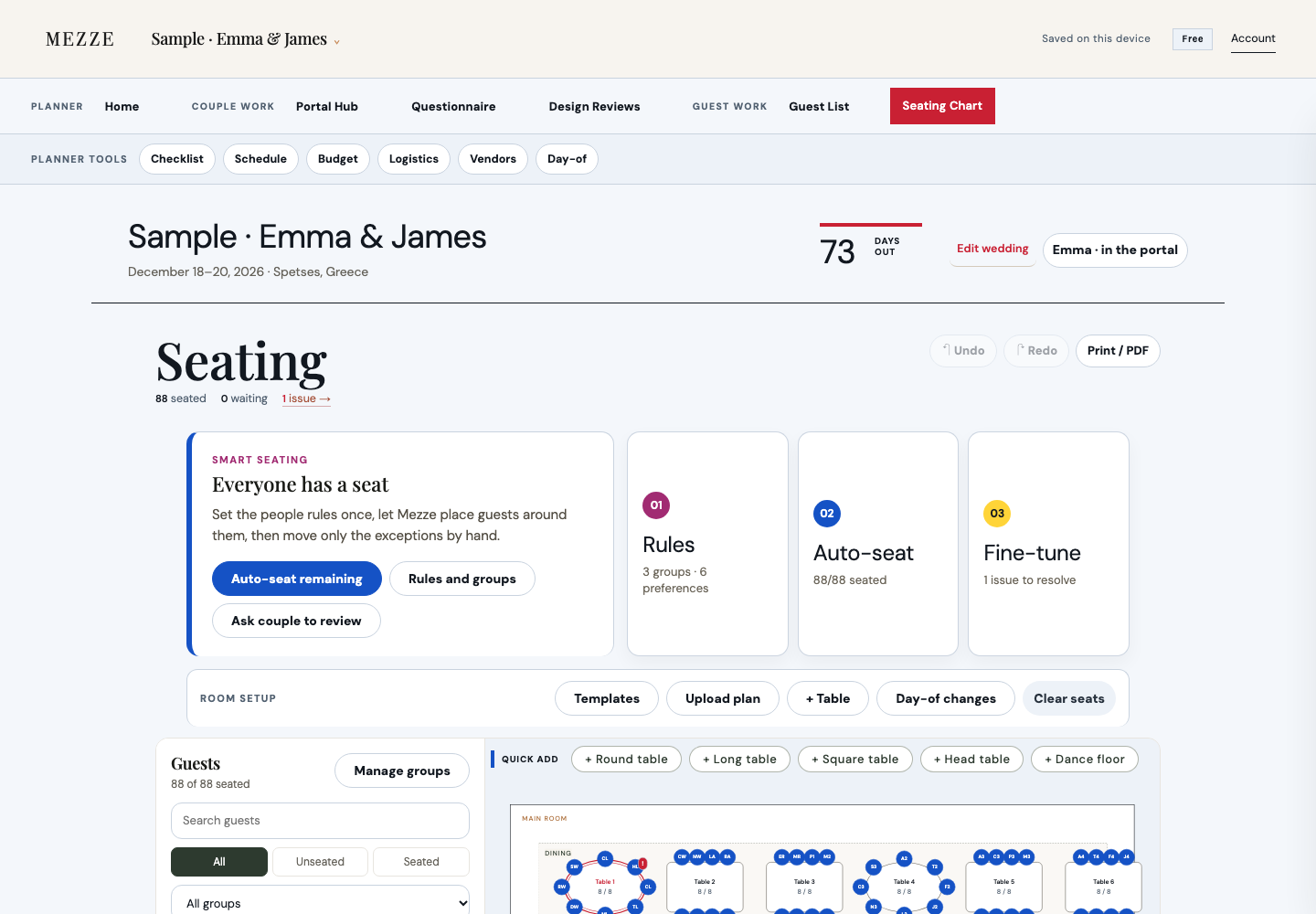
Real product screen, sample wedding. Set seating rules, place guests and refine the room plan.
Create your own wedding in Mezze →Start with the full workspace. Choose a paid plan when you need to run more weddings at the same time.
$0
Unlimited guests and access to the wedding workspace. Sample weddings do not use your active wedding spot.
Start your first wedding free$24.99/month or $199/year
Run multiple active weddings with unlimited guests. Choose monthly or yearly in the app.
Open MezzeBuild around the information you already manage: guest status, seats and the day’s timing. Each screen below comes from a Mezze sample wedding.
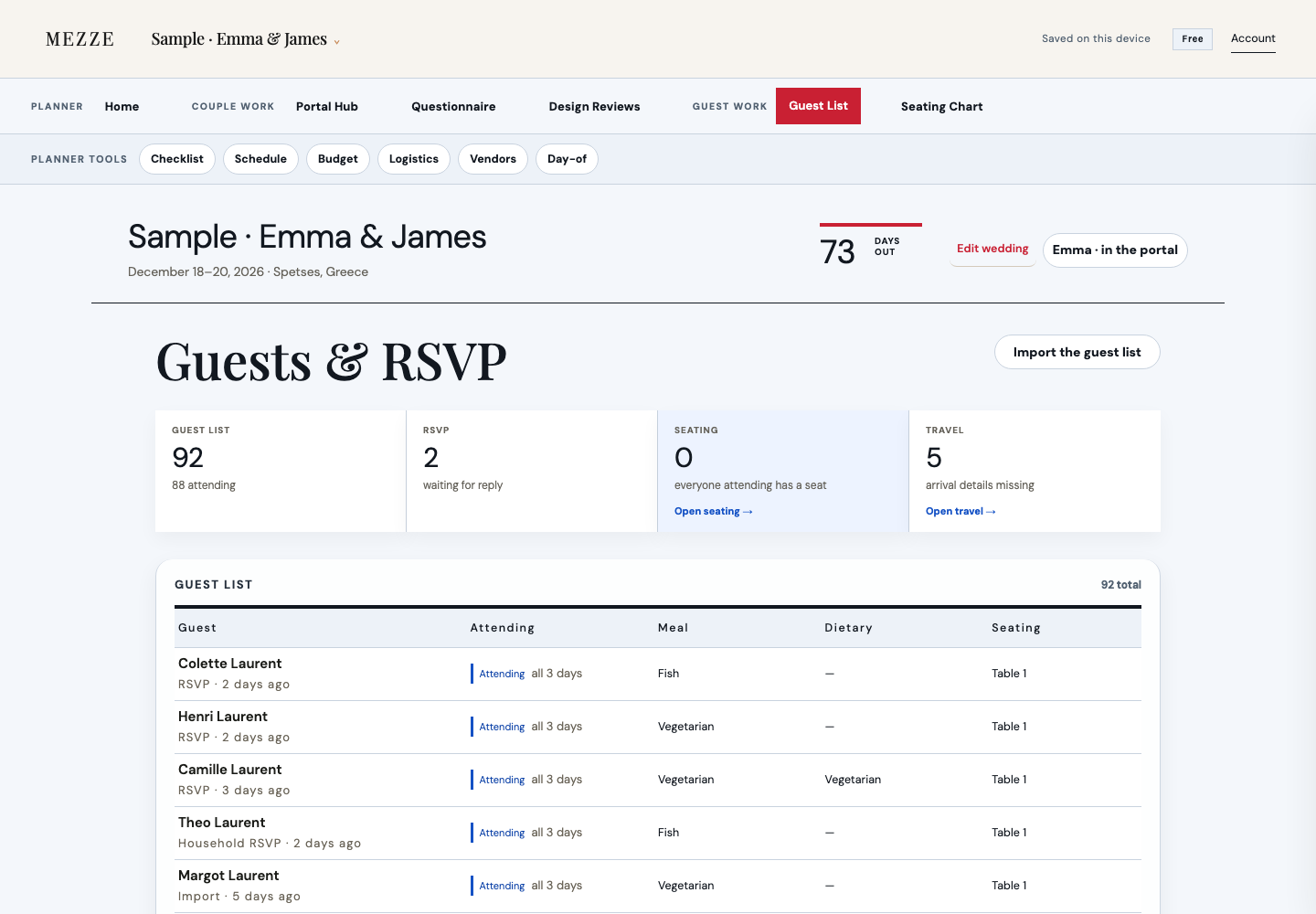
Track attendance, meal choices, dietary notes, seating and travel details from the guest list that powers the rest of the wedding.
Move from guest rules to auto-seat to hand refinement, while keeping unseated guests and seating issues visible.
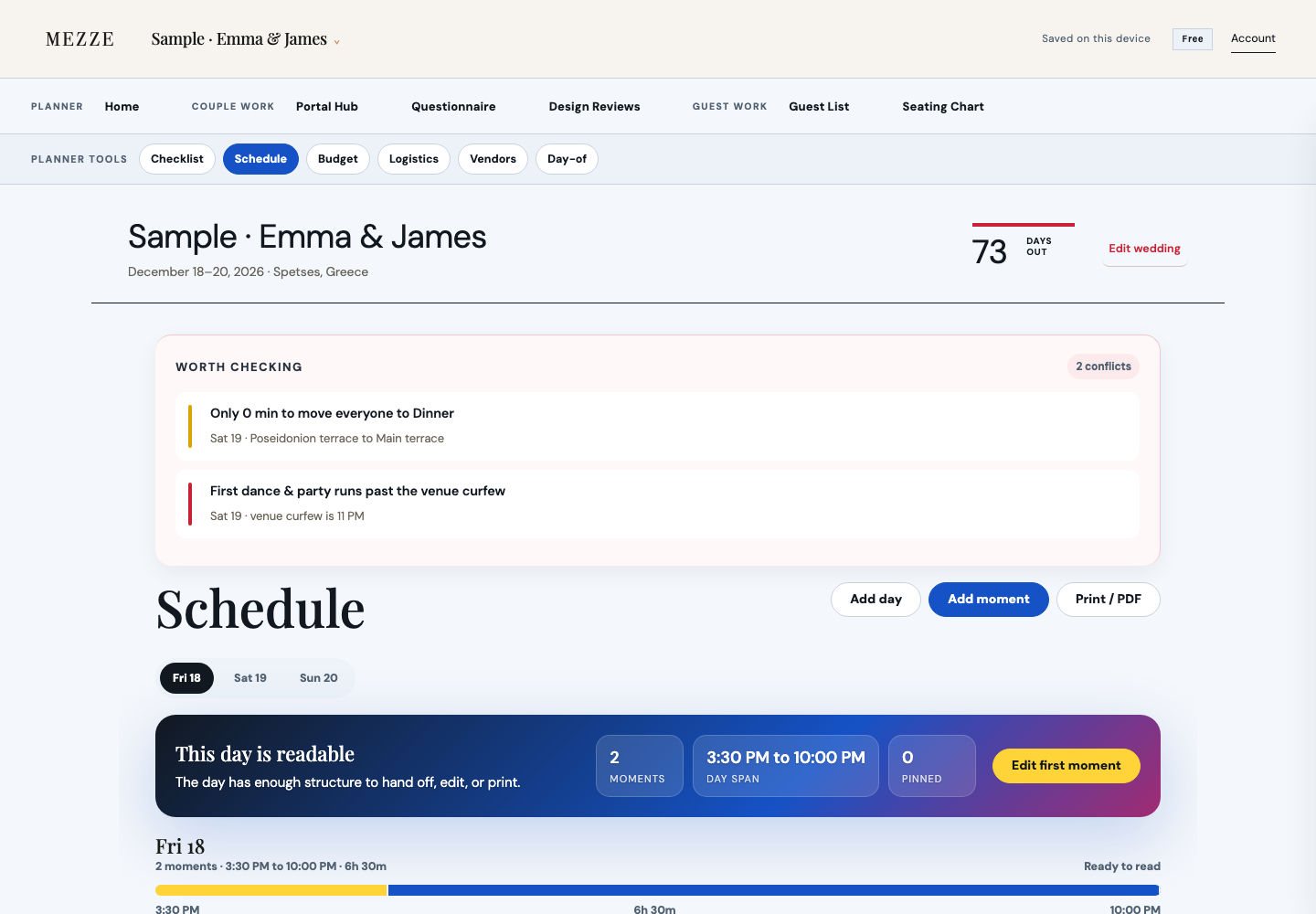
Build readable wedding-day timing, surface conflicts and prepare a timeline that can be handed off to the team.
Review guest status, seating and team timing together, then prepare a current handoff from the plan.
Planners own the wedding workspace, couples contribute through focused tasks, and vendors receive clear handoff material from the current plan.
Planner teams need one place to move between active weddings and keep each event contained.
Guest, seating, timeline, logistics, budget, vendor and design work stay attached to the wedding record.
Couples can complete assigned questions and reviews without seeing private planner work.
Vendors receive current handoff documents without needing access to the planner workspace.
Turn the current plan into documents the venue, kitchen, drivers and day-of team can read quickly.
A clear layout for the planner, venue and day-of team.
View sample PDFMeal choices and dietary information organized for service.
View sample PDFTimings, locations, ownership and cues in operational order.
View sample PDFNames, pickup groups, timings and vehicle assignments.
View sample PDF